Imagery & Diagrams

AgTag · Brand Guide · 06
Photography · Illustration · Diagrams
Rev. 01 — Internal Reference
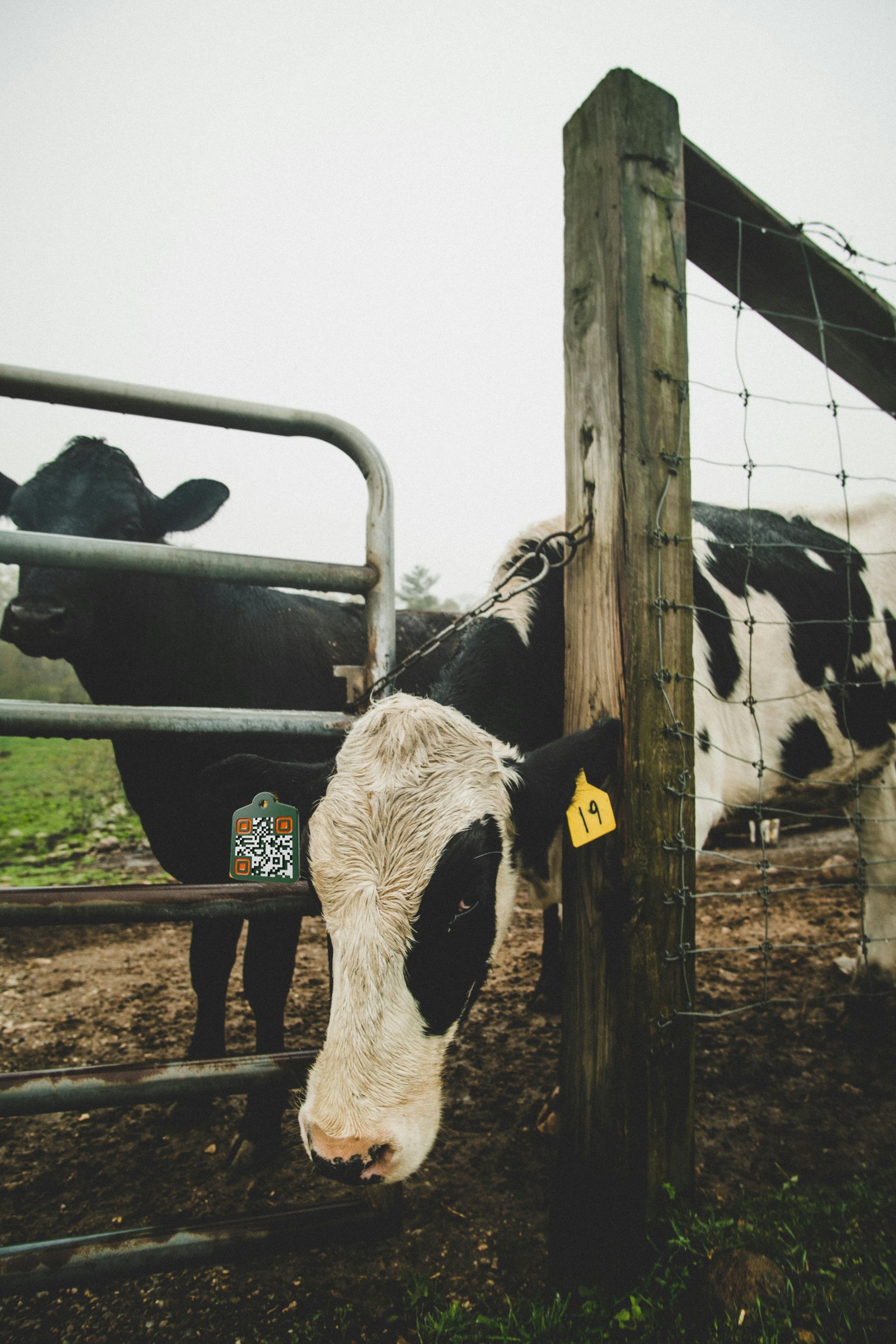
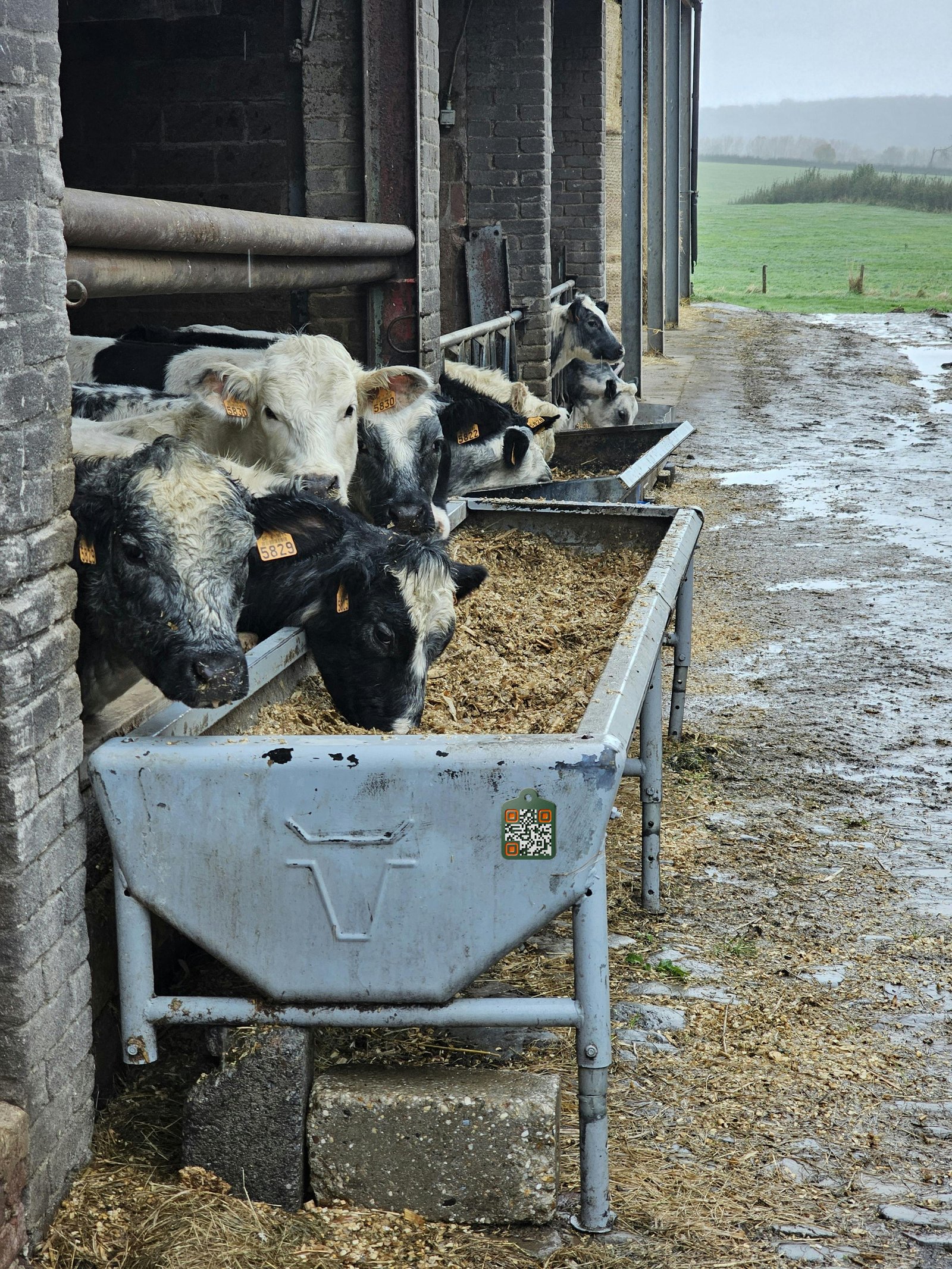
Anchor image — the tag is the hero Cow at a wire-and-wood gate, AgTag visible in its ear
01 Cow at the gate · AgTag in ear · overcast morning Real farm · No staging · No filter

No artsy
sunsets. Just the tag,
doing the work.

— The rule, in one line

Photography and illustrations are practical, simple, straight to the point — just like the rest of the brand. The tag is front-and-centre. There’s no guesswork, no trying to figure the image out, no distracting beautiful sunsets in the distance for artsy feelings.

Just real, practical, professional images of the product on the farm. If you can’t see the tag clearly, the picture isn’t finished.
02 / Photography

Practical Applications — what the camera should be pointed at

Show the tag, where it lives.

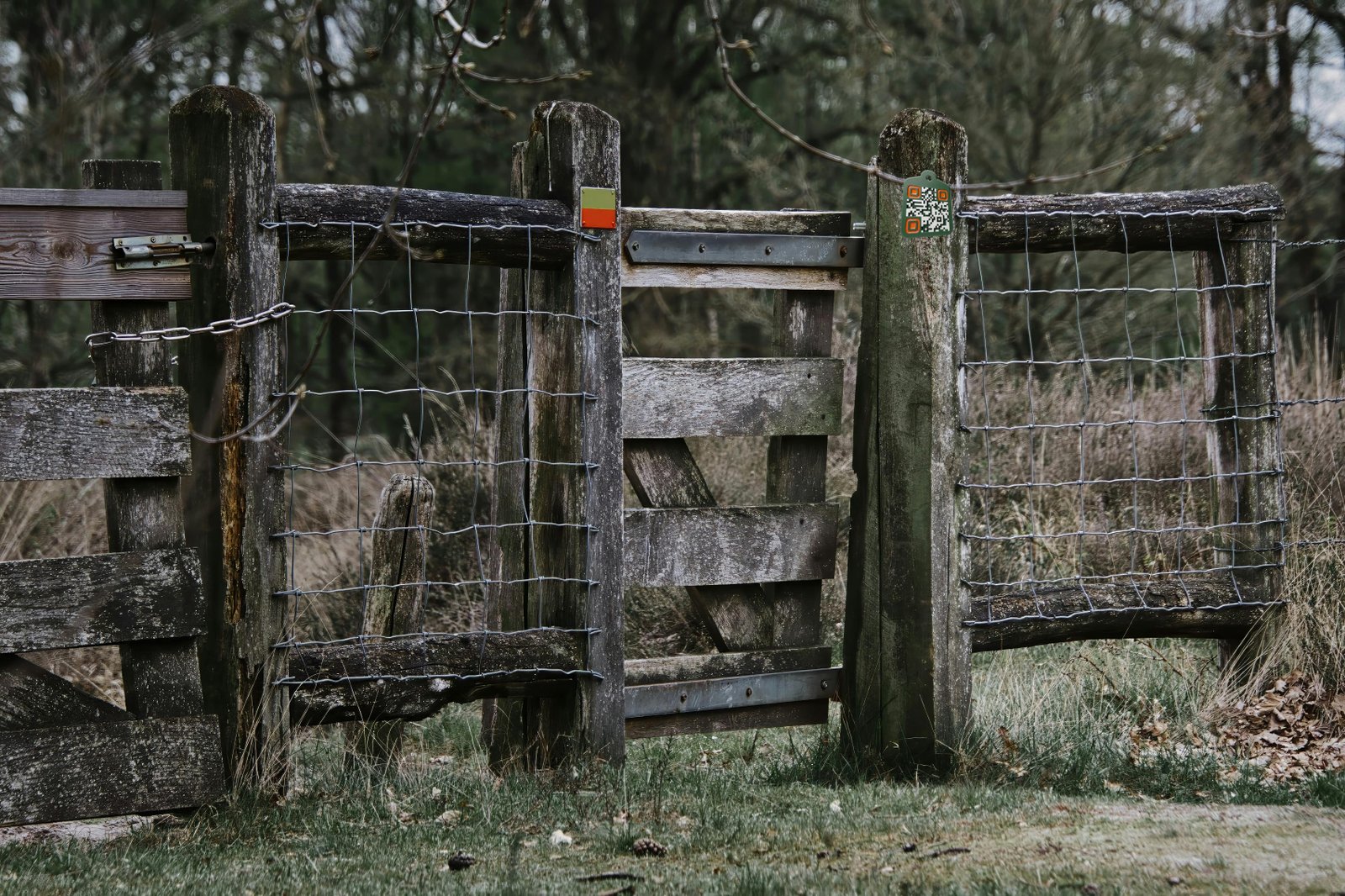
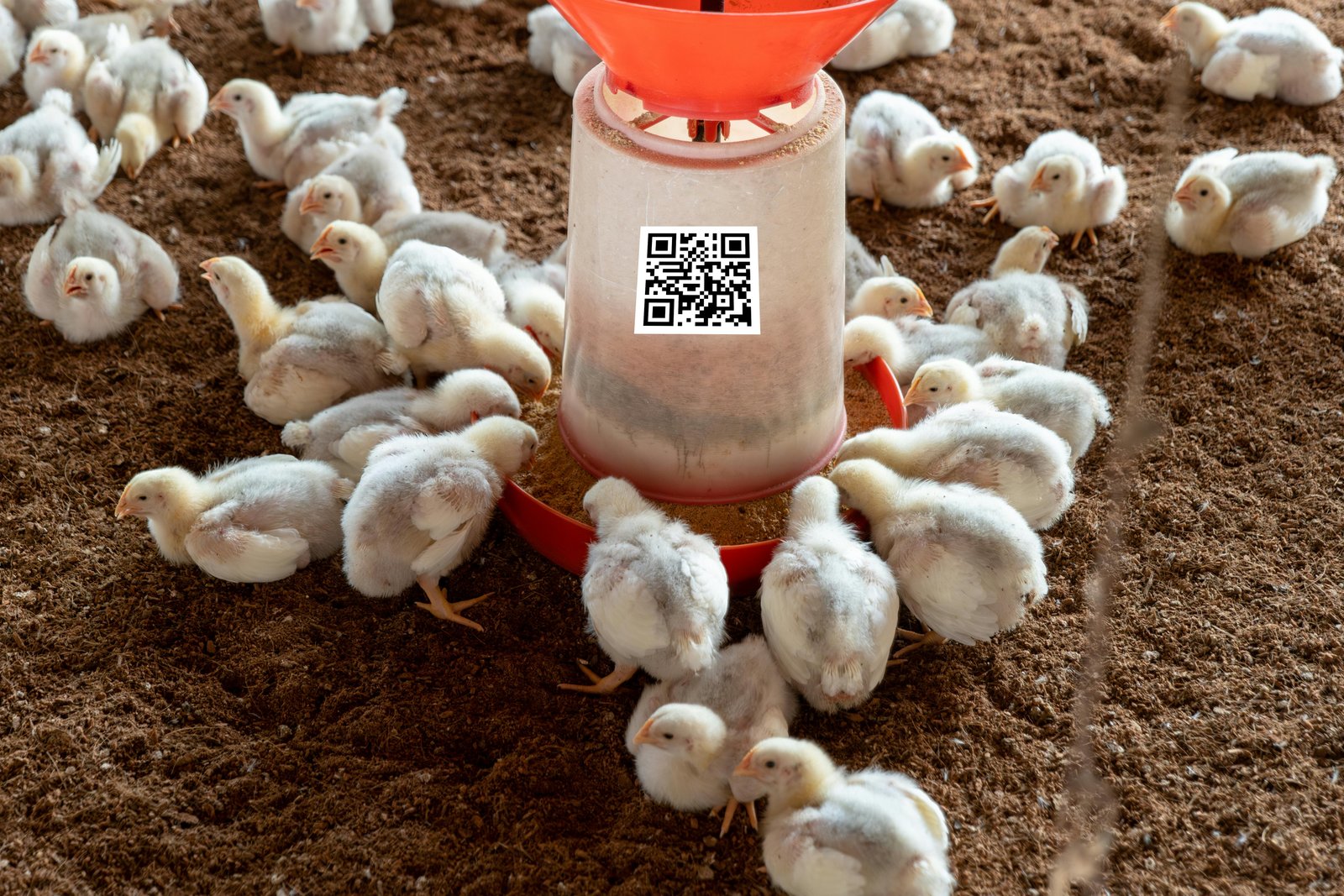
Every application photo answers one question: where does an AgTag get used, and what problem does it solve right there? Farm gate, feed bin, medicine cabinet, ear, keychain — all worth a frame. Coffee-table prairie panoramas are not.

03 / Composition

Frame the tag, not the scenery — five things every photo needs

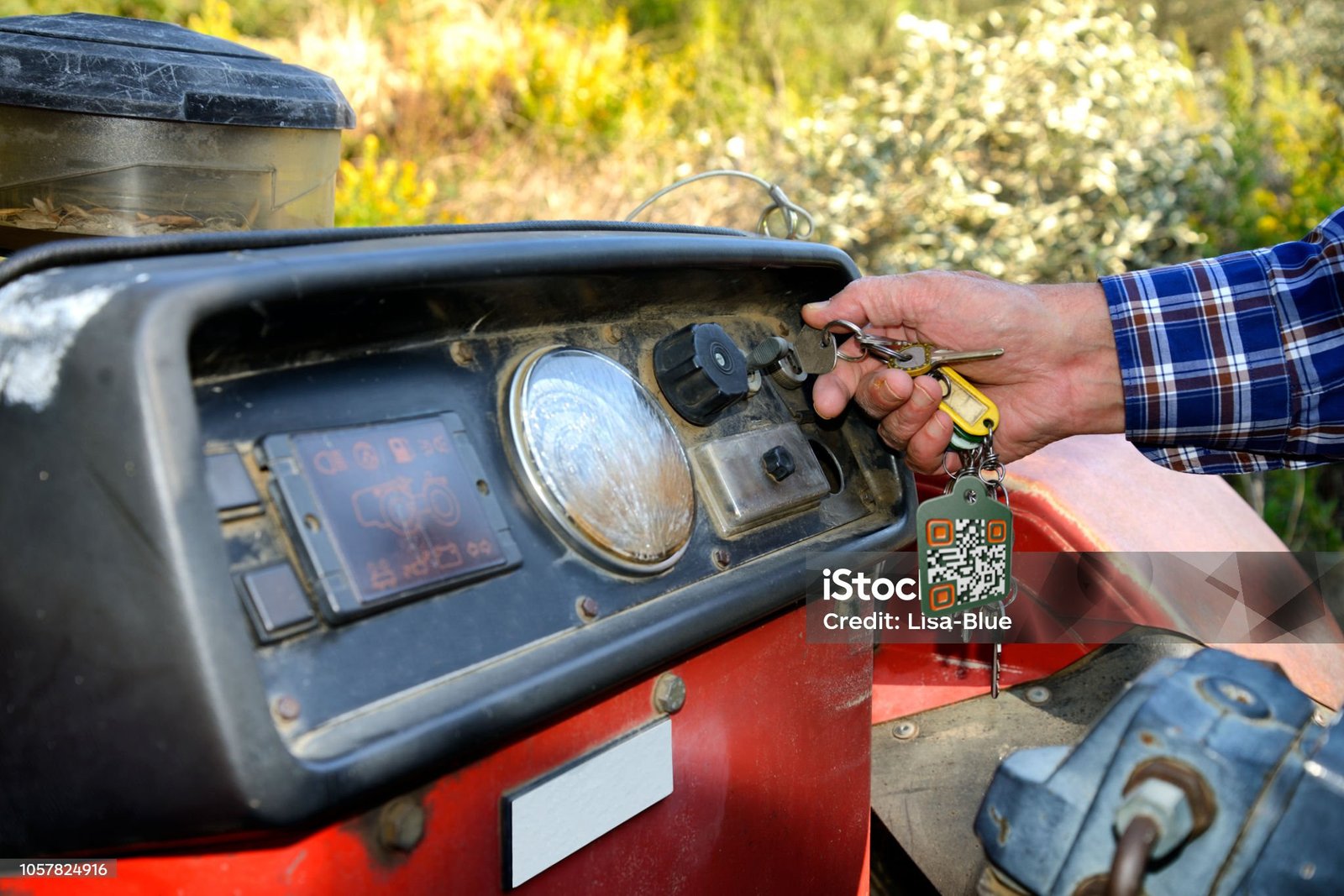
Hand turning the key on a tractor with the AgTag on the keychain — annotated 1 2 3 4 5
Reference shot — annotated

The five-point check

1

Tag is sharp and readable. If a phone couldn’t scan it from the print, reshoot.

2

The hand or animal is doing something real — turning the key, eating, looking through. Not posed for the camera.

3

The product context is obvious in one glance — tractor, ear, gate, bin. No mystery.

4

Background is honest, not styled. Mud, dust, weathered wood, scratched paint — leave it in.

5

Light is whatever’s there. Overcast, shed light, grey morning. No golden-hour halos.

04 / Stance

What it is — and what it isn’t

Yes — this

Real, practical, professional.

Working scenes

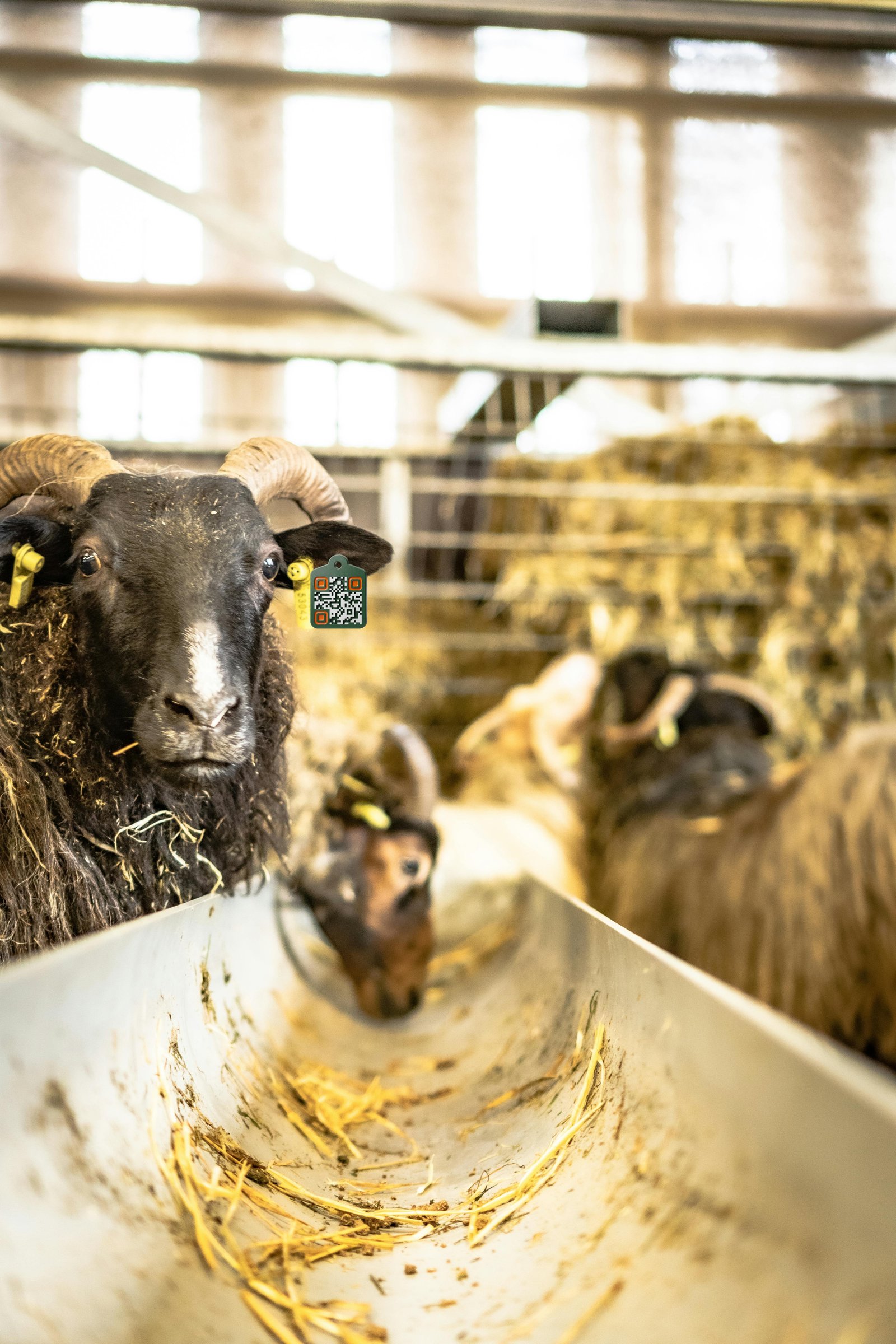
Farmers in their normal clothes, doing their normal jobs. Boots muddy, sleeves rolled, hat on.

Tag front-and-centre

The eye lands on the AgTag within a second. Composition leads there.

Honest weather

Drizzle, fog, low sun, shed lights. Ireland and the UK don’t look like California.

Animals being animals

Eating, walking, looking sideways. Not posed, not anthropomorphised.

Honest crops

Tight on the action. Wide enough to read context. Nothing more.

No — never this

Stock-library farming.

Vibrant, oversaturated colour

No pumped greens, orange-teal grading, or HDR sunsets. The brand is muted, the photos match.

Spotless, smiley people

No farmers in clean white shirts laughing into thin air. No cast actors playing “rugged.”

Distracting backdrops

Mountain panoramas, sunset-over-pasture, sweeping drone fly-overs. Pretty, useless.

Quirky illustration characters

No mascot cows with sunglasses. No friendly chicken pointing at a UI. Ever.

Mystery shots

If a viewer has to ask “what am I looking at?” — it’s the wrong photo.

05 / Diagrams

Diagrams & how-tos — animated, directing, step by step

Same rules. Show what to do. Don’t decorate it.

For diagrams — like the tag in the logo — keep them simple, not overly-complicated, straight to the point. Brand colours and fonts only. App screen captures and recordings carry the load. Animated lines and short directing text connect ideas, indicate stepped approaches, and guide the user gradually without overwhelm.

Example — Adding a new tag

3 steps · App screen captures + connecting lines + plain-spoken text
9:41
Scan tag
Hold the camera over the QR. We’ll do the rest.
Step 01

Point & scan

Open the app, point at the tag. The whole screen is the camera. No menus to find.

9:41
What is it?
Pick the type. We pre-fill what we can.
Animal Asset Place Stock
SpeciesCow
Eartag #372 0451 19
FieldTop Meadow
Step 02

Tell us once

One species, one ear-tag number, one location. We remember it for next time.

9:41
Done.
Now any scan logs straight to her record.
Last seenJust now
Treatments0
Weight logEmpty
Saved · #372 0451 19
Step 03

Off you go

First scan, done in under a minute. Every scan after that is one tap.

Animation cues

Connecting lines draw on as the user steps forward. Phones nudge in 8–12px when active. Nothing bounces.

Type on screen

Anton for headers, Hanken Grotesk for body, JetBrains Mono for labels. Same as everywhere else.

Voice on screen

“Point & scan.” “Tell us once.” “Off you go.” Plain. Useful. The kind of thing a neighbour would say.

A bit of banter — once a video. Not on every screen.

— Voice in motion

No corporate jargon. No frilly transitions. No quirky characters. A wink at the camera once a video is plenty — any more and it stops being a tool and starts being an advert.

If a line makes you smirk on the third watch, it’s probably trying too hard. Cut it.